HOW TO PLAY A VIDEO
You are just a few steps from enjoying the VR!
Helping you get it on since 2016
How to Get up and Running and Immerse Yourself in VR Porn



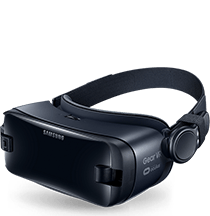
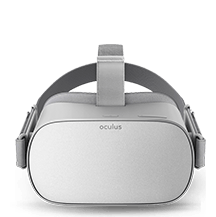
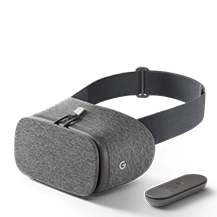
You are just a few steps from enjoying the VR!
If you encountered any problem setting up your device,
contact VR support
and describe it. We will contact you soon with help.
But before you do, perhaps a quick glance through
FAQs will help.